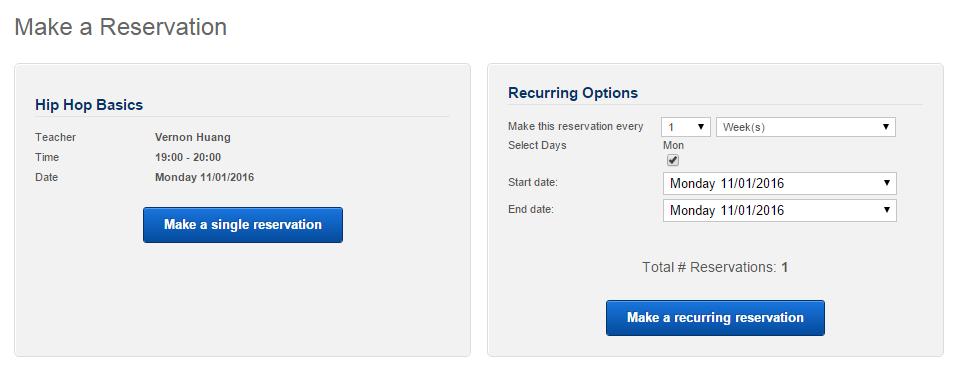
We are using an online system for class registration. Here are the steps to login/create new account and book your classes.
1
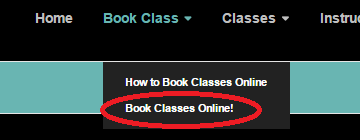
On the main menu, click on “Book Class” -> “Book Classes Online!”
2
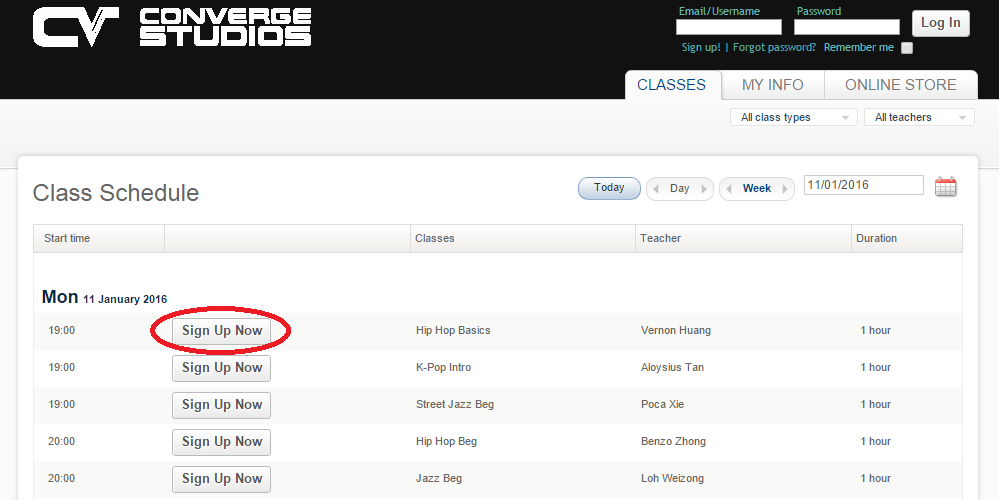
Select your desired class in our Online Registration System
3
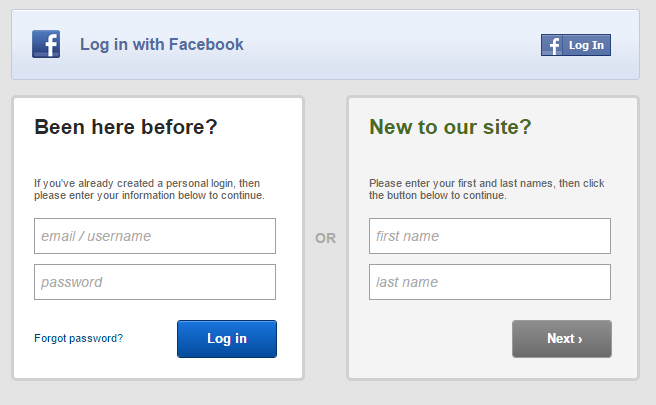
Login on the left if you already have an account. Otherwise, register on the right.
(Ignore the Facebook Login)
3b
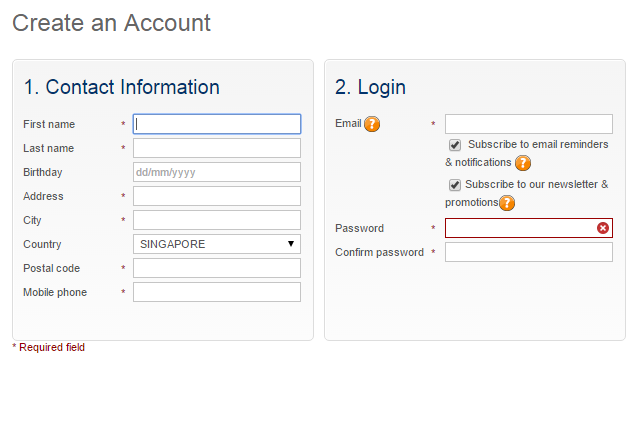
Registration is easy with some basic information required. (Family information column not required)
4
Finalize your booking.
Note: Booking can only be done with sufficient balance in your account. Do approach our counter staff to top-up your balance.